How do I find product links on Korean websites?
How to Shop on Coupang Without a Korean ID, Number, Card
Found your TikTok favs on Coupang but stuck at the “Korean Phone Number” screen? It’s the classic Coupang Heartbreak! Skip the stress of registration and foreign card rejections. Browse in English, send us the link, and Stay Drop will have it at your hotel by tomorrow!
 Staydrop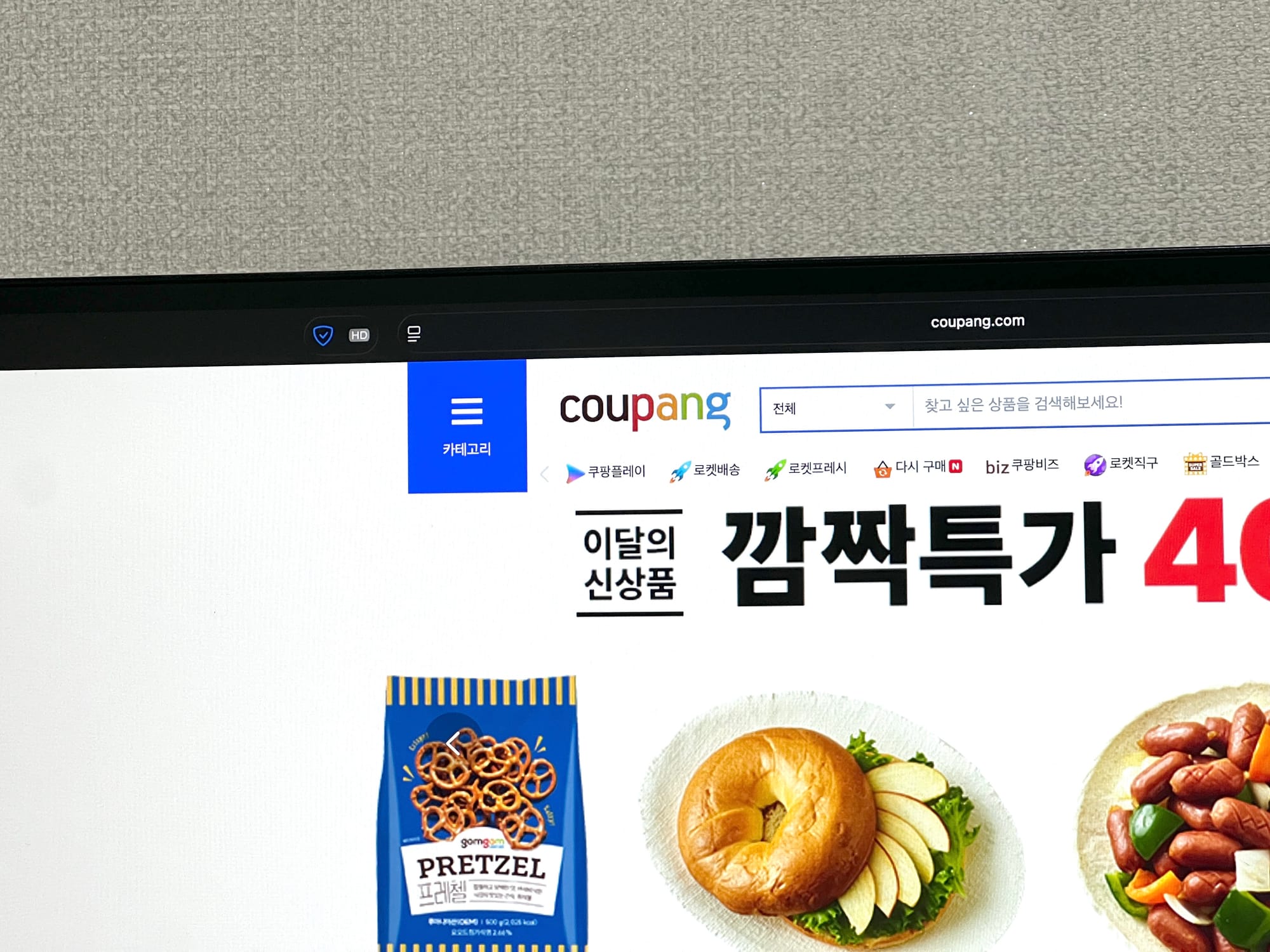
1. Using a Mobile Web Browser (Safari, Chrome, etc.)
If you are browsing on your phone's browser, copying the link is the quickest way:
- Step 01: Find the item you want to purchase.
- Step 02: Tap the address bar at the top (or bottom) of your screen.
- Step 03: Select 'Copy' and paste the link directly into our WhatsApp chat.
2. Using Shopping Apps (Coupang, Musinsa, etc.)
Korean apps use familiar icons for sharing. Look for these even if you don't understand the text:
- The Share Icon: Look for the square with an arrow pointing up (iOS) or the three-dot connected icon(Android/Web).
- Location: Usually located near the product image or the 'Purchase' button at the bottom.
- Action: Tap 'Share', then select 'Copy Link' or share it directly to WhatsApp if available.
3. Using a Desktop/Laptop
- Simply copy the URL from the browser's address bar and paste it into WhatsApp Web or send it to your phone to share with us.
4. Quick Tip: Don't worry about the options!
If you’re struggling to select a specific size or color because of the Korean language:
- Just send the main product link.
- Our concierge will reply with an English list of available options for you to choose from.
📸 Coming Soon: We are preparing a step-by-step visual guide with screenshots for popular apps like Coupang and Musinsa. Stay tuned!
This page is for informational purposes only. Please refer to our Terms of Service for legal terms, limitations of liability, and dispute resolution.